Education
Technology education for schools and universities
Hands-on AR, 3D creation, Swift programming, spatial computing and AI courses built around our own products. Content is planned around students’ level, school goals and available devices.
Course areas
Four course areas
AR and spatial computing
Discover AR interaction and Apple Vision Pro apps, and learn to add digital content to the real world.
- AR programming
- Multi-user AR interaction
- Spatial computing development
3D design and creation
Learn about 3D structure with nanoCraft, starting from geometry and modelling, and complete 3D work you can view and share.
- 3D modelling
- Materials and textures
- Spatial creation
Swift and programming
From visual programming to Swift app development, understand the logic behind interaction and design your own digital projects.
- Swift programming
- Visual programming
- App creation
AI and technology applications
Learn how AI is used in practice, and how to solve problems with tools and data.
- Applying AI models
- Data analysis
- AI projects
AI courses for schools
AI courses designed for Hong Kong primary and secondary schools, which can be used with Quality Education Fund funding.
Formats
Choose a format that suits your school
School-based courses
Courses tailored to the school’s goals, students’ levels and available devices, and able to meet the requirements of Education Bureau (EDB) funding schemes.
Workshops
Short hands-on workshops where students try AR, 3D creation and coding.
Student competitions
We co-organise spatial creation competitions and arrange workshops and mentoring for participants.
Tertiary training
Apple Vision Pro and Swift development training for tertiary students.
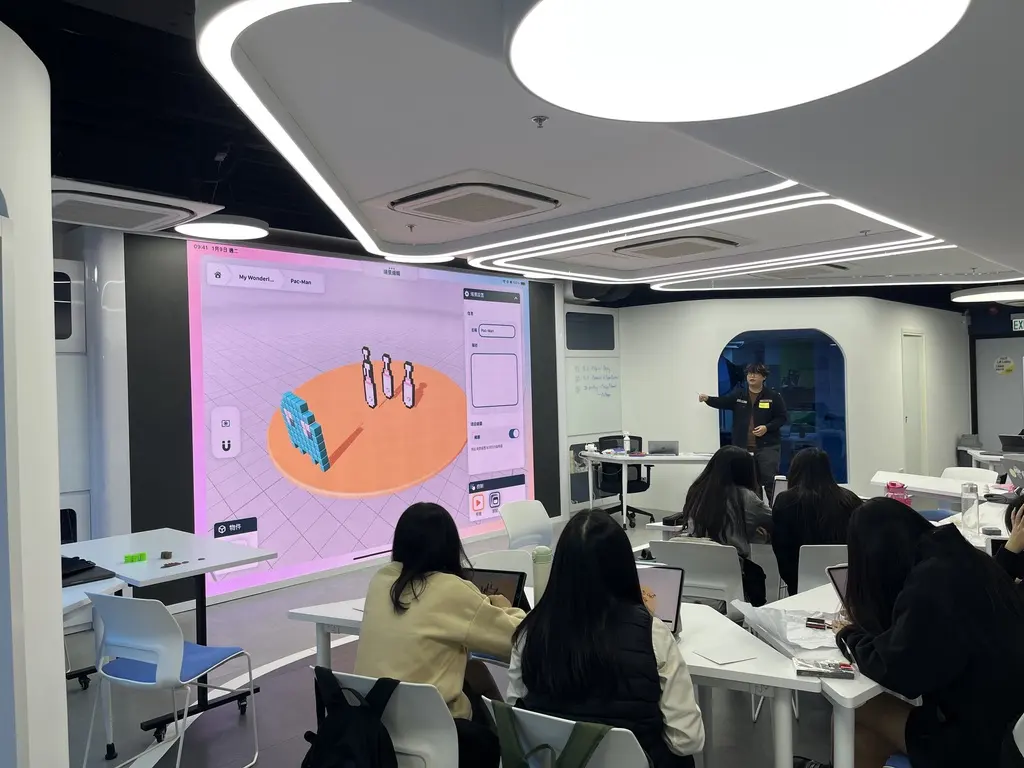
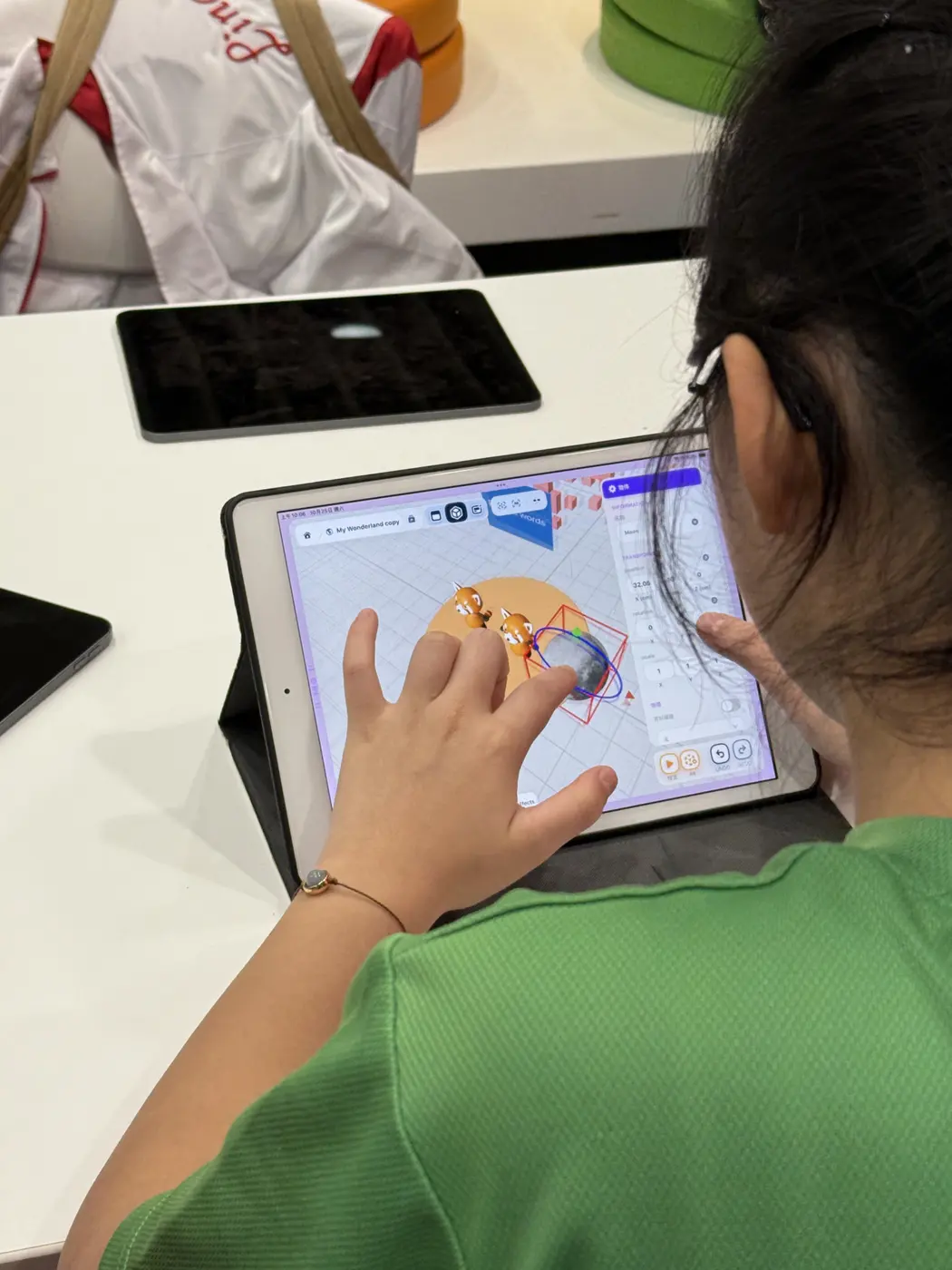
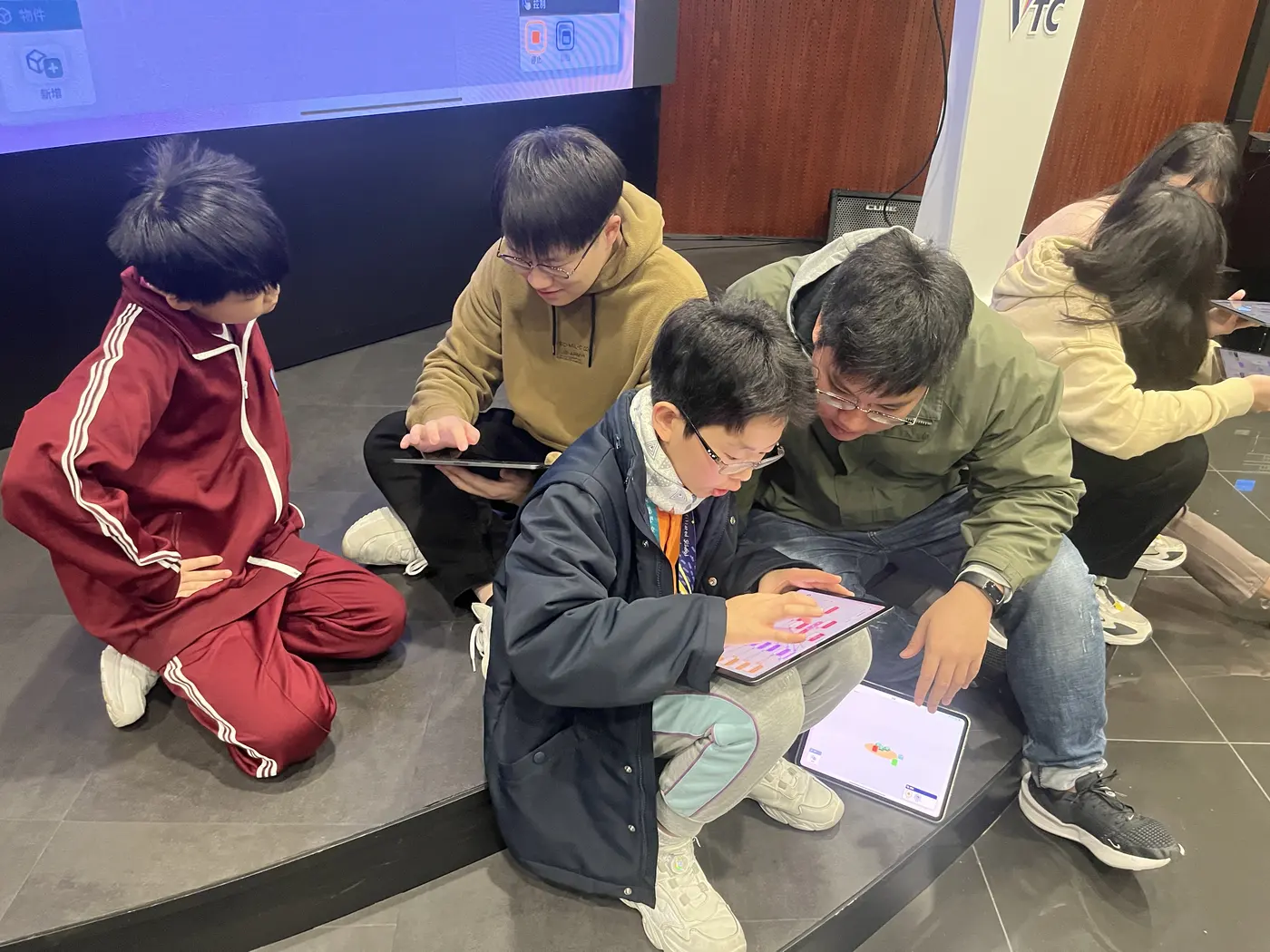
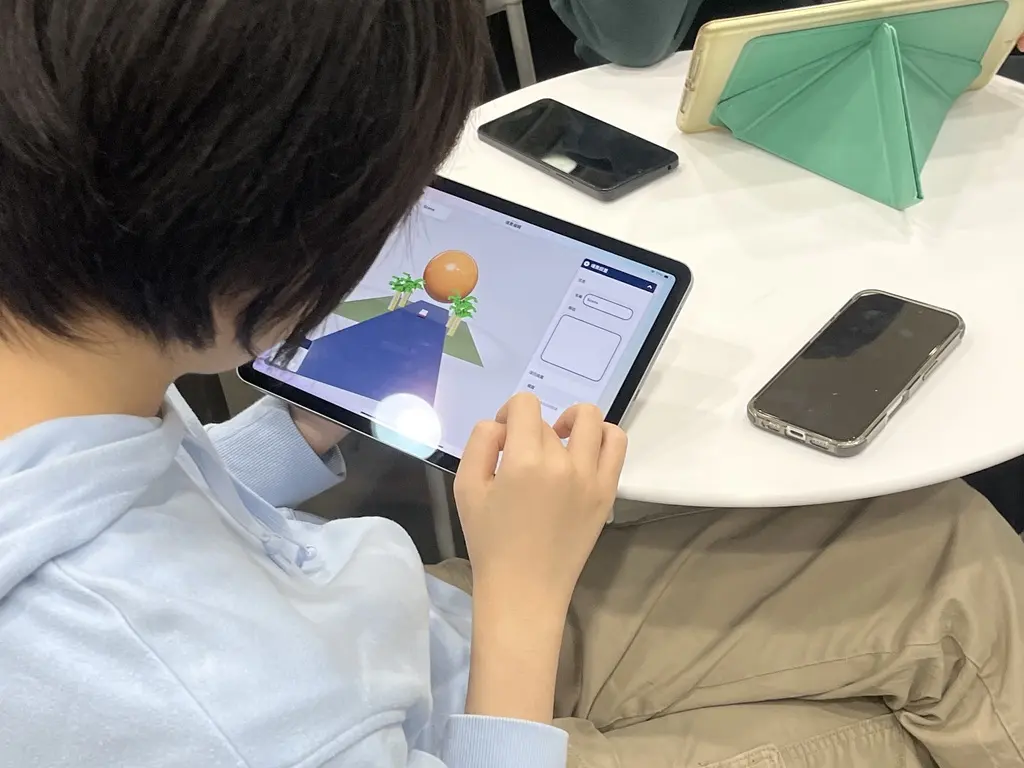
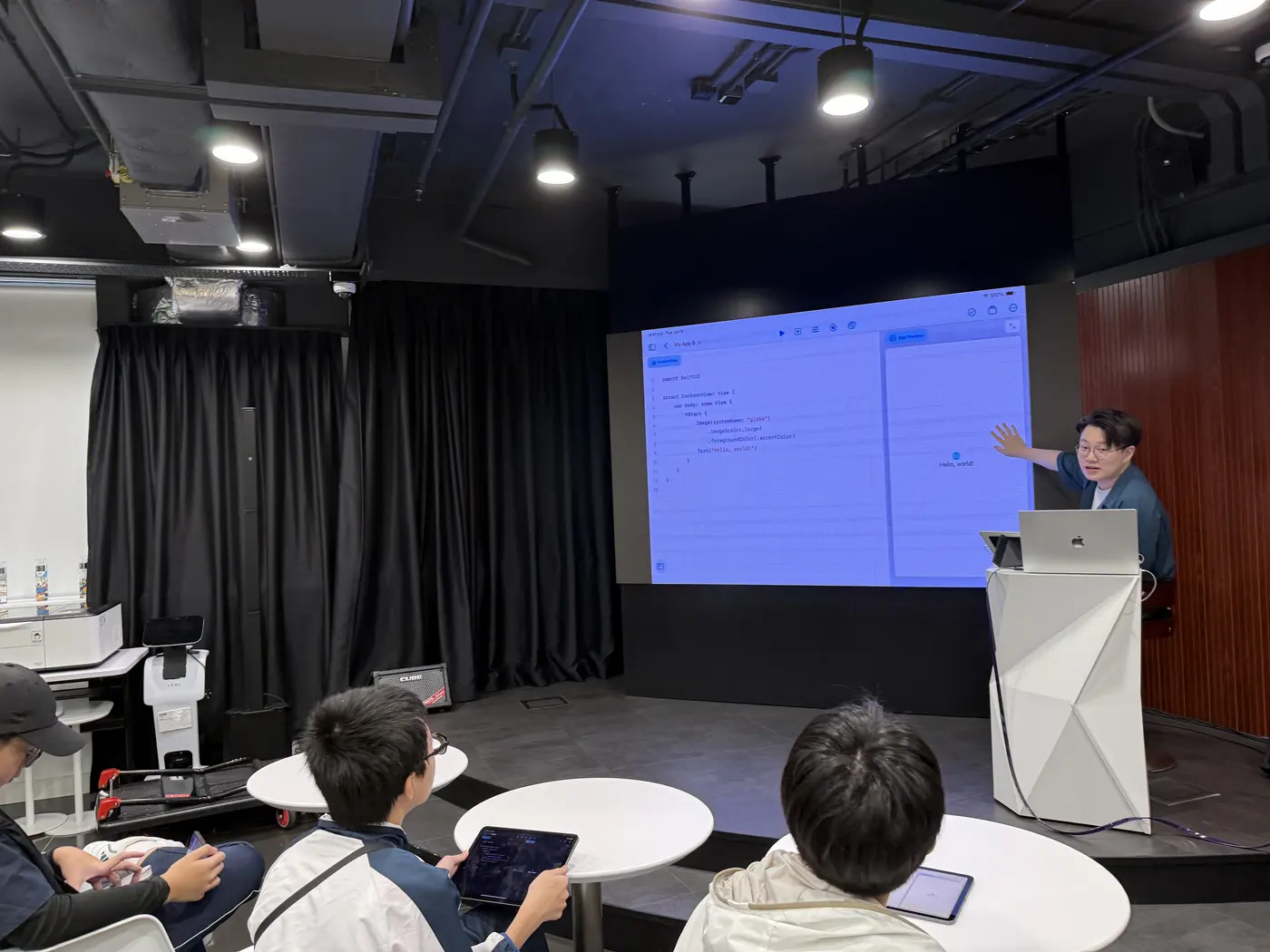
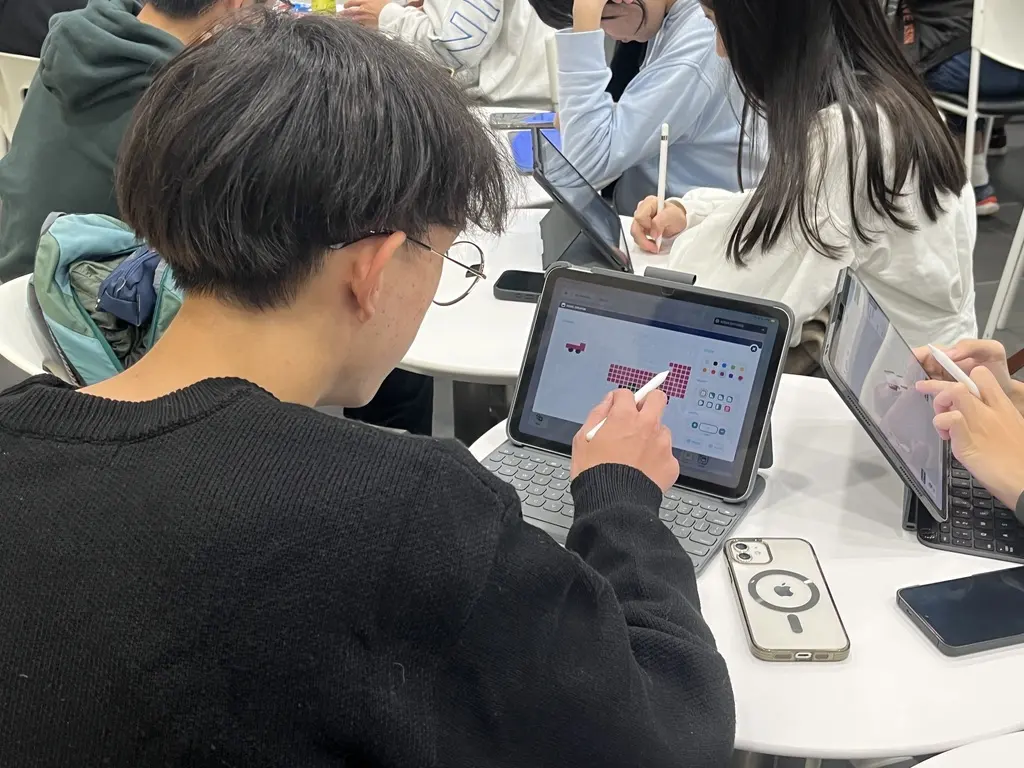
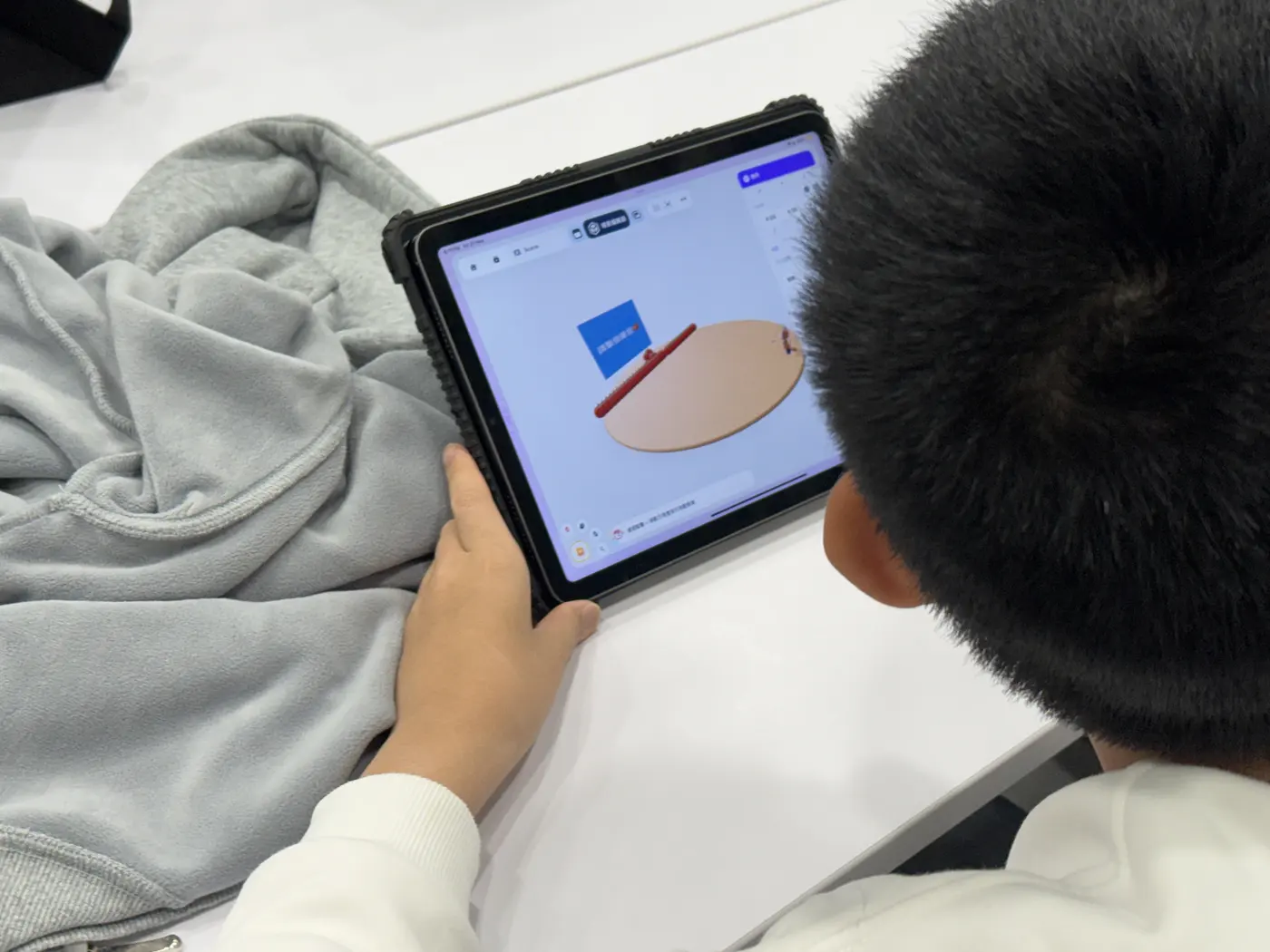
In the classroom
Students creating hands-on in class
Photos from our school-based courses and student workshops.
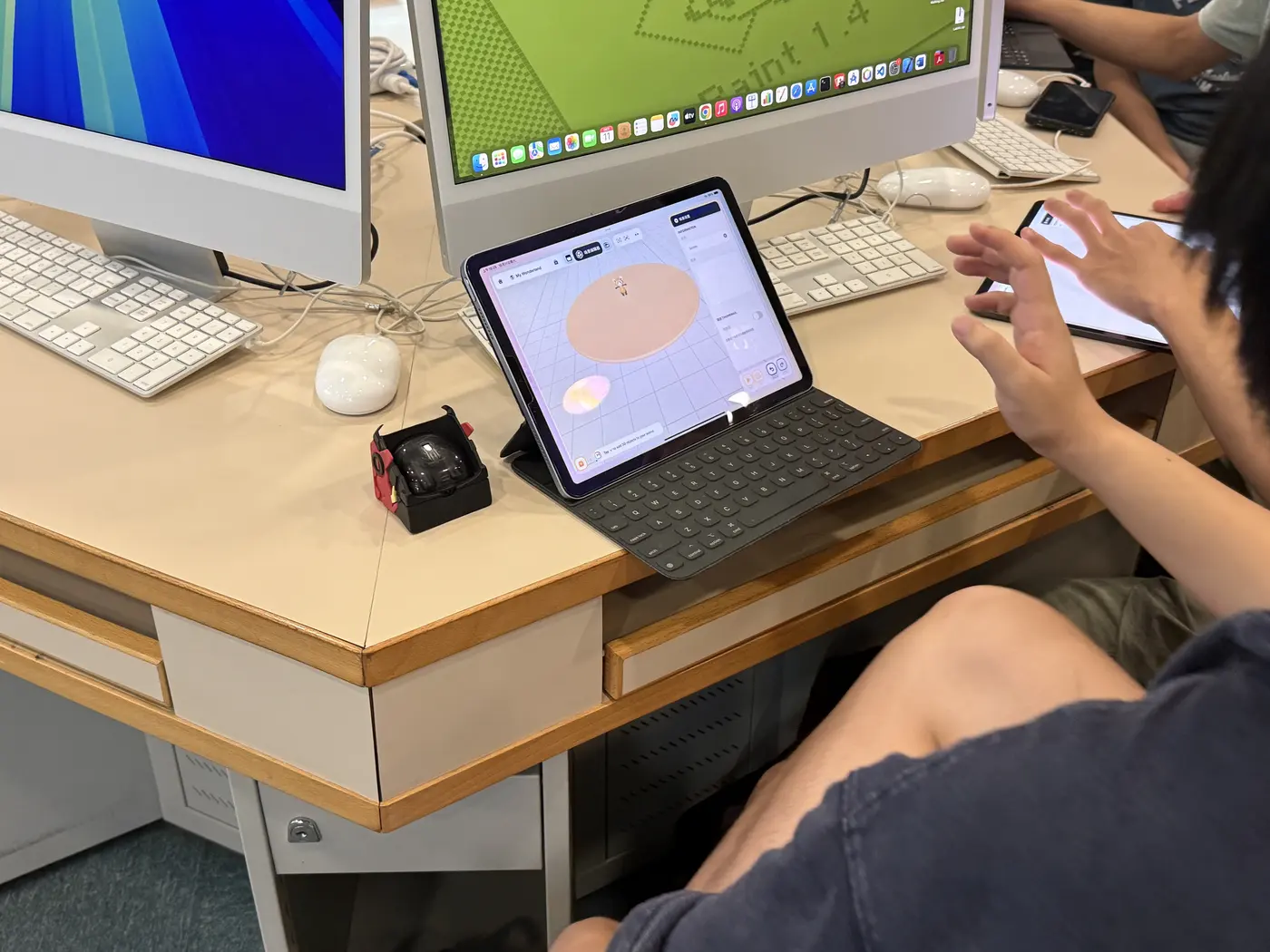
Teaching products
Our products used in class
Student competitions
Student competitions we co-organise
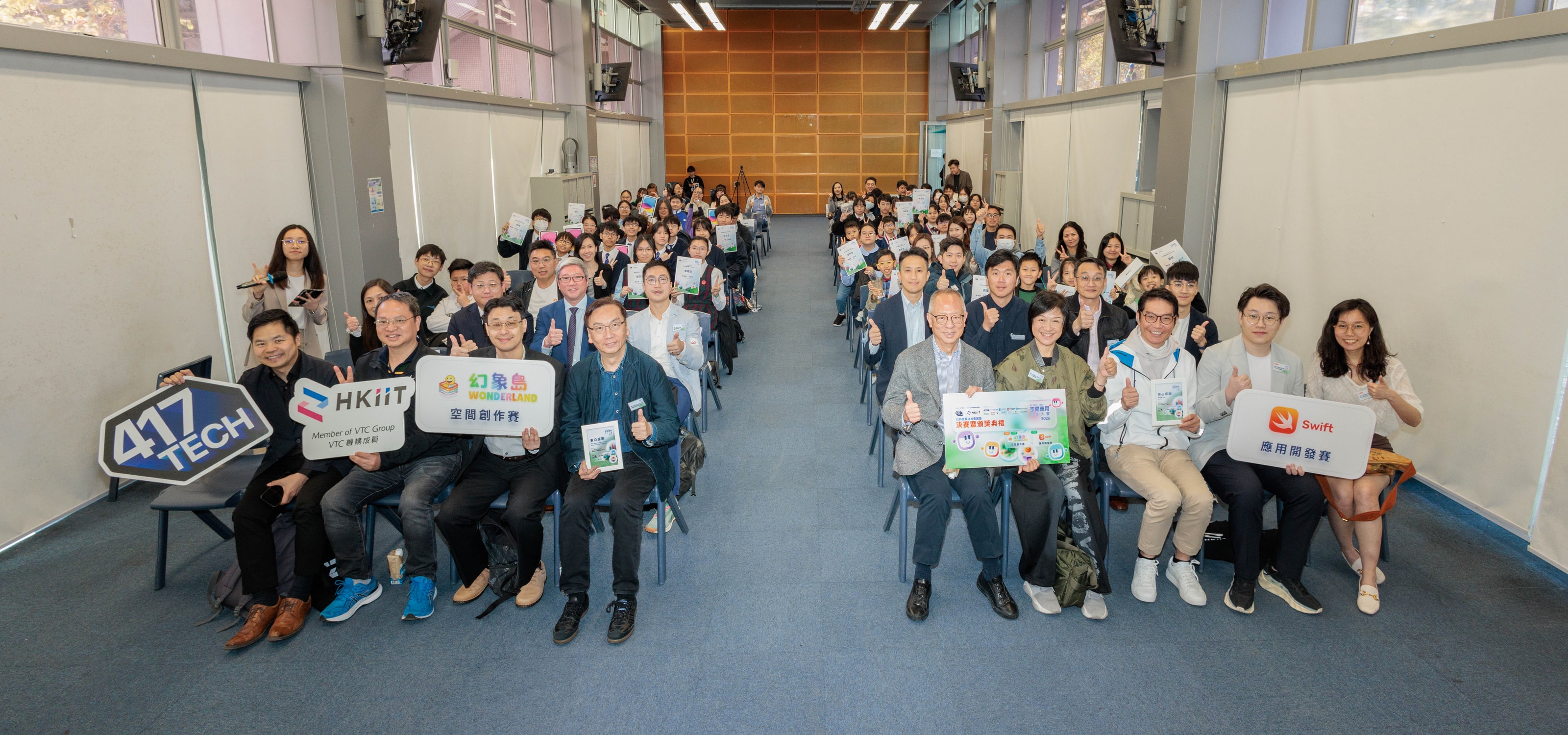
2026
HKIIT Spatial Application Innovation Contest
Themed “Technology for social issues”, the contest had primary and secondary school students create apps with Swift and Wonderland.
View competition details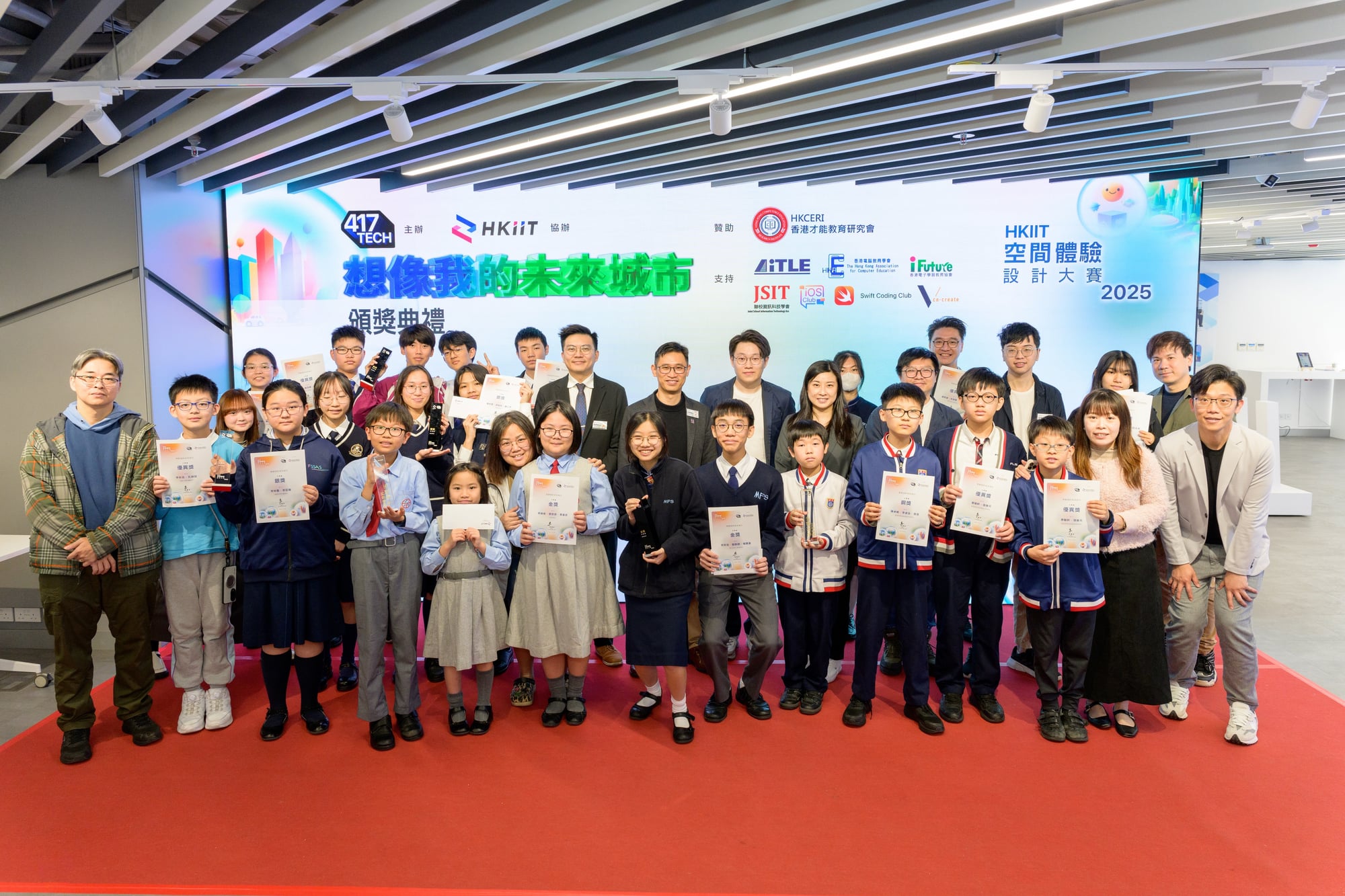
2025
HKIIT Student Spatial World Design Challenge
The first edition, with nearly 100 students taking part and several workshops held during the contest.
View competition detailsReady to start your spatial computing project?
Tell us what you need and where it will be used, and we will suggest a suitable approach.